Social media content calendar: plan what the team will make
Plan the post and the work needed to make it. Keep the idea, owner, review and publishing date together so nothing gets missed.
Download the calendar
Open either CSV in your spreadsheet app. The example contains 10 production slots across 2 weeks, with all 13 fields completed. The blank file has the same columns and 10 empty rows. Add dates and rows to fit your team. No signup is required.
Plan what your team needs to make, why it belongs in the calendar and who will review it. Start with a usable blank CSV or the complete original 2-week product-creative example.
The 2-week example at a glance
| Slot | Pillar and product question | Format and owner | Review / next action |
|---|---|---|---|
| Week 1 / Monday | Product detail: Where can a small charger go? | Vertical demonstration · Producer | Brief ready. Claims pending. Assign shoot and product reviewer |
| Week 1 / Tuesday | Use context: How does the bag open on a desk? | Vertical video · Creator | Shoot planned. Capture wide and detail shots |
| Week 1 / Wednesday | Product question: What detail answers the charger question? | Vertical video opening · Writer | Draft for review. Send script to product reviewer |
| Week 1 / Thursday | Product detail: Can the pocket detail stay clear in a still? | Static image · Designer | Asset in production. Review legibility at placement size |
| Week 1 / Friday | Review and learning: What can the filmed evidence support? | Review session · Product reviewer | Review scheduled. Approve, revise or hold each asset |
| Week 2 / Monday | Use context: Is the opening understandable without sound? | Vertical edit · Editor | Edit for review. Prepare approved export |
| Week 2 / Tuesday | Product detail: Which concept answers the chosen product question? | Concept planning · Strategist | Plan pending approval. Obtain launch approval in own workflow |
| Week 2 / Wednesday | Product question: Can the static detail link to the next action? | Static image and caption · Writer | Caption review. Queue in own publishing tool after approval |
| Week 2 / Thursday | Review and learning: What happened in the same reporting window? | Reporting note · Analyst | Awaiting own results. Document result limitations |
| Week 2 / Friday | Next production: What question remains unanswered? | Next brief · Strategist | Next brief draft. Carry source, limits and owner into next cycle |
Use content pillars as planning choices
Use content pillars to give the team different things to make. Show a product detail, show it being used, answer a question, review the results and plan the next idea. Choose these around your audience and product, rather than treating them as algorithm rules.
Move from reference to production brief
Save a reference and say what you’d take from it, such as a close-up or an uninterrupted demo. Turn that into a brief for your own product, then add the format, owner and review status to the row. Make your own footage and check claims before approval.
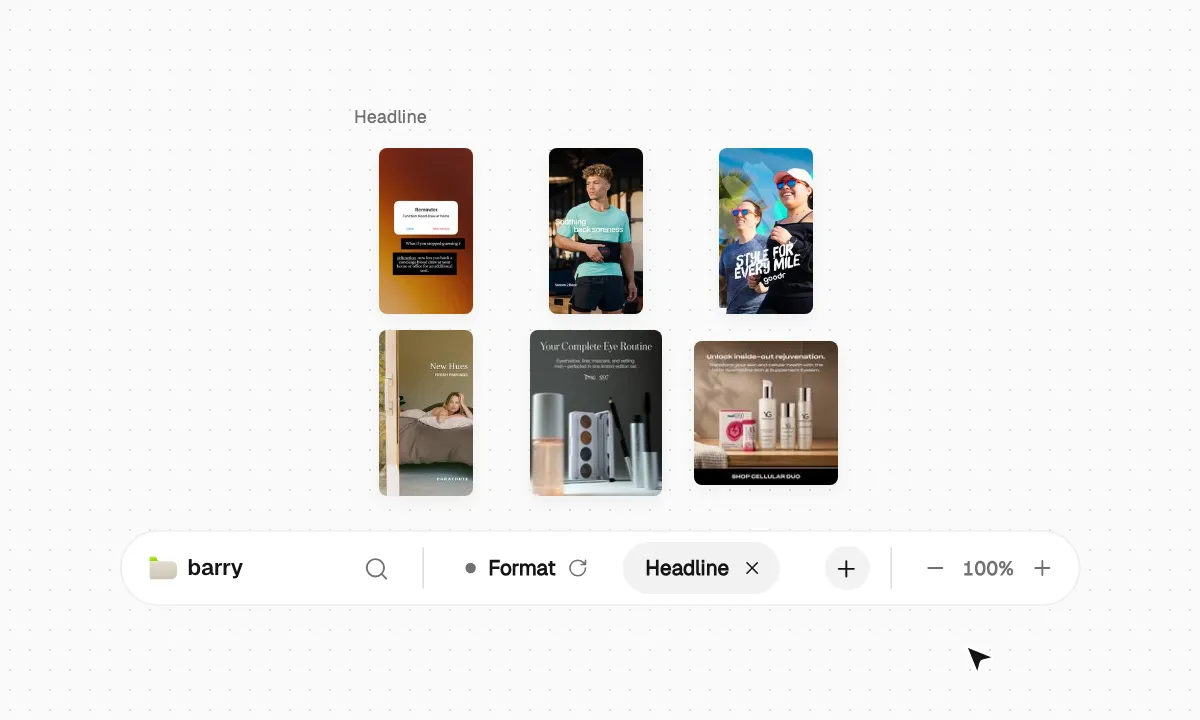
This existing Barry product demonstration shows collecting and comparing creative references. The calendar remains a separate downloadable worksheet. The film does not show a calendar integration or scheduling feature.
Separate a campaign deadline from an always-on rhythm
For a launch, work back from the publishing date so there’s time for the brief, script, shoot, edit and review. For ongoing content, leave time to look at the results and choose the next idea. Review paid and organic results separately. The weekday slots here are a planning example, not a recommended posting frequency.
Keep the handoff complete
- Pillar and product question
- Write what this piece needs to explain and the question it should answer.
- Reference and observation
- Keep the source URL with what you actually observed, including unknown results.
- Format, channel and brief
- Describe what to make, where it is intended to appear and the original production assignment.
- Owner, review and proof
- Name who owns the work, where the review stands and which claims or permissions still need checking.
- Reporting definition and next action
- Choose the measure and window before launch. Leave missing results blank and name the next production action.
Use the calendar in your own workflow
Import the CSV, replace the assignment and give each row an owner. Review factual claims and permissions before moving an asset to approved. Copy approved dates into your own publishing system manually. We do not receive your spreadsheet edits or confirm whether a post was published.