Facebook ad sizes and Meta specs: check the placement first
Choose the placement first, then check the dimensions and upload requirements. Preview the finished ad to make sure the crop and text still work.
Recommendations and technical requirements
Meta labels design recommendations separately from technical requirements. A recommended resolution is not a universal minimum. The values below are specific to the named format and placement.
For Feed video, Meta notes that Awareness and specified performance goals can omit the headline, description and CTA footer on mobile. Check the actual preview for your campaign configuration. The maximum duration is an upload limit, not advice about an effective ad length.
This is a selected reference, not every Meta placement. Do not apply these Feed values to Reels, right-column ads or a different Story format. Follow the linked official guide when a placement or objective changes.
Choose your placement before you export. Check the required dimensions, then make sure the product and text still fit the frame. The reference table covers 4 selected format and placement combinations.
Keep the message inside the frame
We made these 2 layouts to show the same message in Feed and Story shapes. They use our product demo image. They’re planning examples, not ads we’ve run.
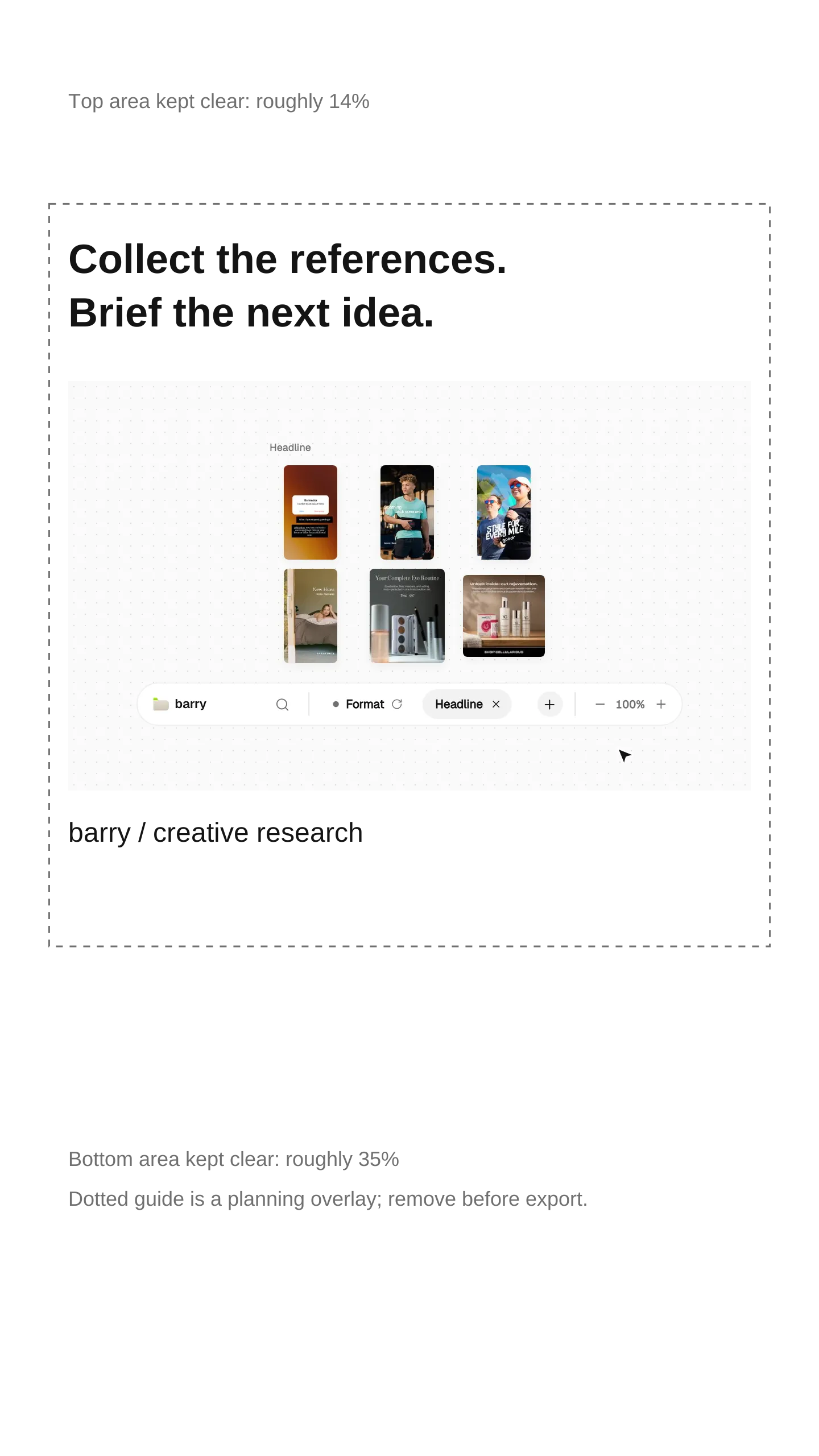
For Instagram Stories images, Meta suggests keeping roughly 14% at the top, 35% at the bottom and 6% on each side free of key text, logos or creative elements. On a 1440 × 2560 canvas, that is about 358 px above, 896 px below and 86 px on each side. The dotted planning guide represents those proportions. Remove it and its notes from a finished ad.
Check that you can read the message and see the product detail on a phone. Then open the actual placement preview. The dotted guide is a starting point, so check the crop and interface overlays there too.
Ratio is shape. Pixels are size
1440 × 1800 reduces to 4:5. A 720 × 900 review copy keeps that ratio but has one quarter as many pixels. 1440 × 2560 reduces to 9:16. A proportional 720-pixel-wide copy is 720 × 1280. These smaller review copies are arithmetic examples, not the recommended master exports in the table.
Changing a 9:16 composition into 4:5 requires a new layout or a deliberate crop. Proportional resizing cannot make both shapes at once. Enlarging a small source also cannot recover missing detail.
Review each export before trafficking
- Record format, placement and objective. Open the matching official source and date your check.
- Separate recommended dimensions from minimums, duration and file-size requirements. Inspect the actual exported file.
- Review product detail, approved copy and required disclosure at the size a person will see. Keep framing decisions separate from platform rules.
- Preview the selected placement in Ads Manager. Check cropping, overlays, footer availability and destination continuity.
- Assign an owner to recheck the source when specifications or campaign configuration change. Retain the prior value and the production consequence.
The reference CSV records this check. The blank log adds reviewer, objective, old/current values, affected export, framing action, preview check and next review date. It does not update itself or validate an upload.
Connect specifications to the creative brief
The right dimensions won’t fix an unclear ad. Put the export requirements in the brief alongside what the product needs to show and the shots you need.