Air and Barry: keep inspiration and production assets clear
Compare organizing your team's assets with collecting ad references. Think about which files you need to find, who uses them and what happens next.
Separate reference discovery from asset management
Air’s site describes digital asset management, creative operations and AI design/editing workflows. Its product is not an ad-reference library under another name. Use its official site to assess asset storage, review and creative operations. We have not tested an Air workspace, its permissions or its generated output.
For a team handoff, check whether the next person can identify the approved file, distinguish versions, see usage restrictions and find the owner. Use references for direction and your own approved assets for production. If you evaluate both tools, choose one actual handoff and verify the resulting access and export rather than comparing slogans.
The Air product in this comparison
This page concerns air.inc. Its current feature pages describe asset storage/sharing, review/approvals, conversational search and AI design editing through Canvas. These are vendor-described capabilities. No private Air workspace, asset, generated output or plan entitlement was inspected.
Air describes a workspace for storing, sharing and reviewing creative assets, with AI tools. We organize ad references. If you’re choosing between them, start with whether the team needs inspiration or needs to manage the files it will actually produce with.
References and production assets need different labels
A competitor ad can help explain a shot or idea. Before it becomes part of your production, you need permission to use it. Keep your original photos, edits and project files labeled with the owner, version and approval status. We organize references. Air describes tools for managing those production files.
Hand off references and production assets with clear owners
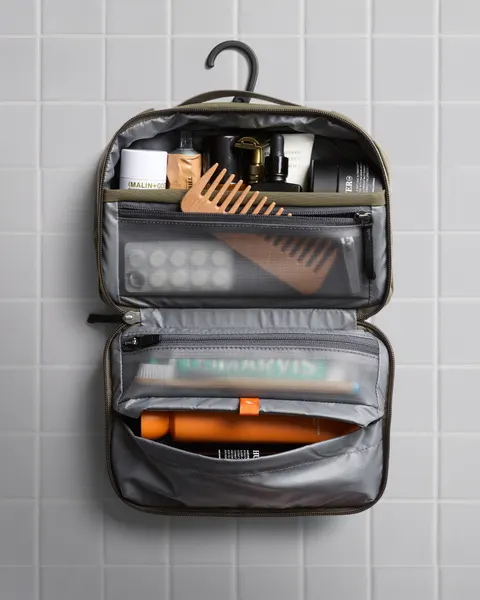
This example uses our pouch. It shows the decisions and approvals the team would need before filming.
- External inspiration
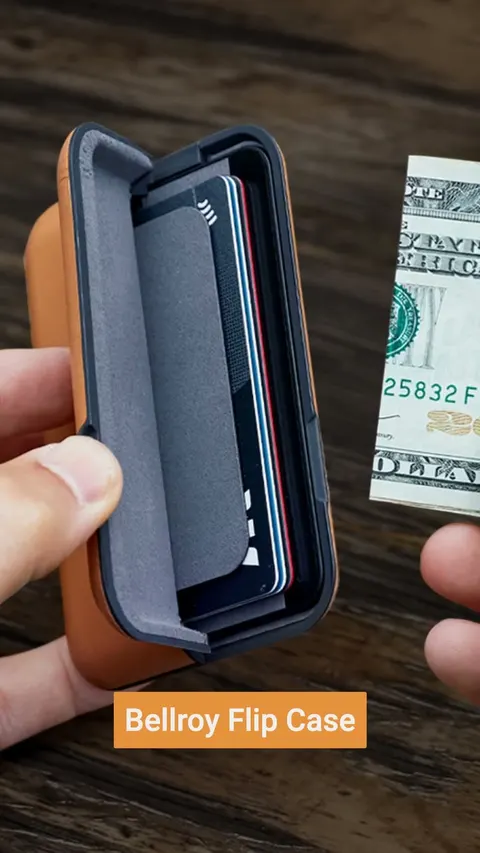
- Retained Bellroy open-bag image ID1039604464890055. Reference-only. Observed layout choice does not transfer ownership, footage rights or campaign evidence.
- Original planning model
- Example 3-compartment pouch sketch and 6-frame assignment. Planning version, not a photograph of a manufactured product.
- Production source needed
- Original real-sample footage with cable, bottle and comb. Owner: producer. Sample identity, talent/sound permission and factual approval pending.
- Review gate
- The product owner checks the sample and item fit. The creative lead checks that taking an item out is easy to follow. The editor makes the agreed changes before the version is approved.
- Approved asset version
- None yet. Record the actual approved file and the person approving it before export. Choosing a reference doesn’t approve a deliverable.
- Destination handoff
- Buyer verifies current placement and destination. Editor exports that accepted version and reviews complete audio/framing/file. No campaign has run.
Follow one asset through the handoff
In the pouch brief, the Bellroy image stays a reference. Our drawing is a plan, not product photography. The producer still needs footage of the real sample with permission for the people and sound. Then the product owner checks the claims and the creative lead approves the edit. No real footage or approval exists in this example.
Review the version the editor will export
Record the filename, version, owner and who approved it. Keep any requested changes or missing permissions beside it. Picking a reference doesn’t approve the final ad or give the editor permission to use the advertiser’s footage.
Verify the workspace for your task
Check Air’s current feature pages, then confirm what your plan includes, the export options, usage limits and billing. Older guides may describe a different rollout. We haven’t tested its AI output or an integration with Barry.
Keep the visible choice beside the assignment
Watch the reference collection controls
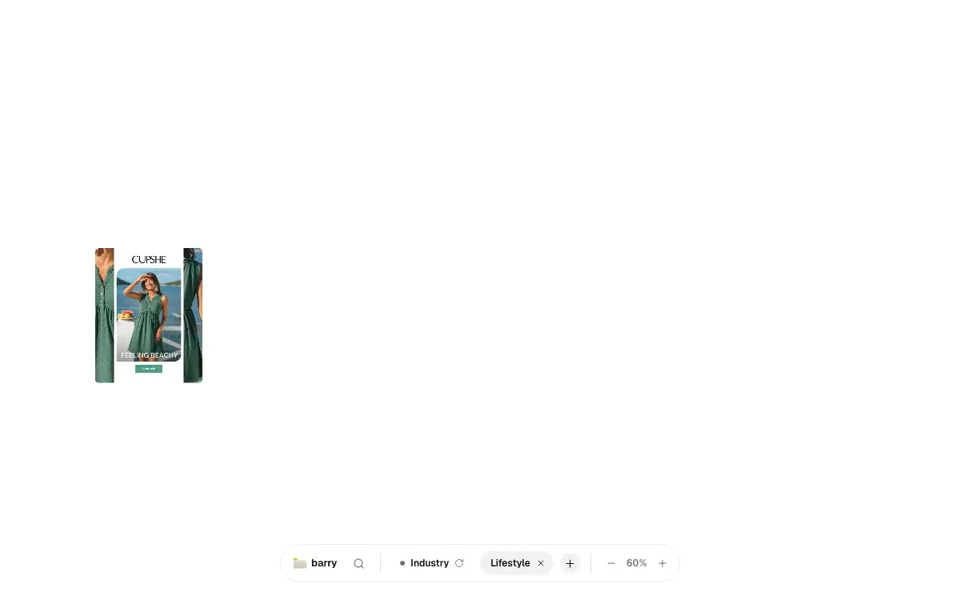
- Apply the retained Lifestyle format filter.
- Open the whole retained Cupshe image and inspect it.
- Close the viewer, hover the reference and press S to open the Save picker.
- Choose the practice board, reopen it through the finder and use Share.
- Carry the observation, limitations and next owner into the worksheet.
Take the handoff into your document
Start with the blank worksheet, or read the filled-in example to see how to use it. You can copy either one.
Questions about this workflow
Does Air only store files?
Current dedicated feature pages also describe conversational search and Canvas editing. Availability for a particular plan was not verified, so this page attributes the descriptions without asserting entitlements.
Can I use an advertiser reference as my production asset?
The reference alone does not establish permission. Keep source limitations visible and obtain appropriate original or licensed production inputs before adapting the assignment.
Does Barry send assets into Air?
No integration is demonstrated here. The original ledger connects responsibilities and file status. The recorded Barry task organizes references in a local fixture.
Sources and review scope
We read the official pages on October 14, 2026. Product capabilities are described by their publishers. We did not test vendor accounts, generated output, pricing terms or business results.