AdCreative.ai and Barry: references, generation and review
AdCreative.ai and Barry help with different parts of making an ad. Use this guide to compare generating creative with collecting references for your own ideas.
Check generation output separately from creative research
AdCreative.ai’s public site describes generating ad assets from supplied brand/product material and offers generation, analysis and scoring features. These are the publisher’s current descriptions, not our account test. Use the official product for its actual capabilities; Barry’s reference board does not become that generator.
For a fair evaluation, use the same approved product information and compare the generated composition with a production brief. Check the exact product appearance, wording, crop and editable output. A score is a model output to investigate, not a verified conversion result. Ask which plan, credits, export rights and human checks apply before authorizing a trial or campaign.
Generation and reference research have different outputs
AdCreative.ai’s homepage describes creative generation, scoring and competitor insights. Those are vendor-described functions. No generated output or score was tested here. We help you find and organize saved ad references. A reference board supplies observations for a brief. It does not supply an owned product photo or a factual approval.
AdCreative.ai describes tools for generating ad images, text, product photos and videos. We help you organize ad references. We’ll use a product brief to show what you need before making an ad, whether you generate it or film it.
Write the assignment before choosing a tool
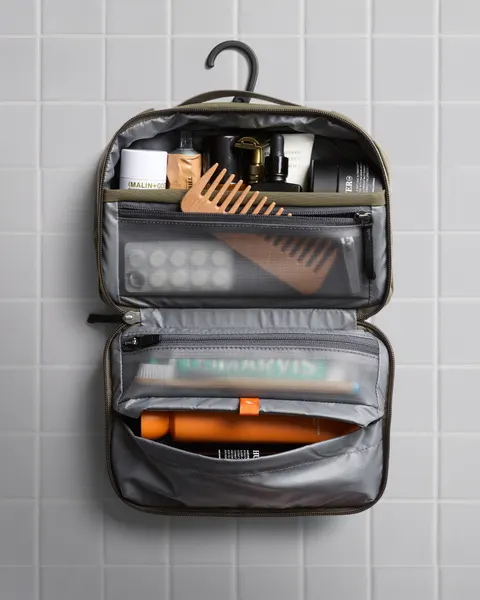
For this brief, show the cable, bottle and comb going into our pouch, then take the cable out without hiding a step. Before filming or generating your own version, supply an accurate product reference and explain what the final shot must show. An inspiration image can’t fill in missing product facts.
Prepare the inputs before generating creative
This example uses our pouch. It shows the decisions and approvals the team would need before filming.
- Reference-only input
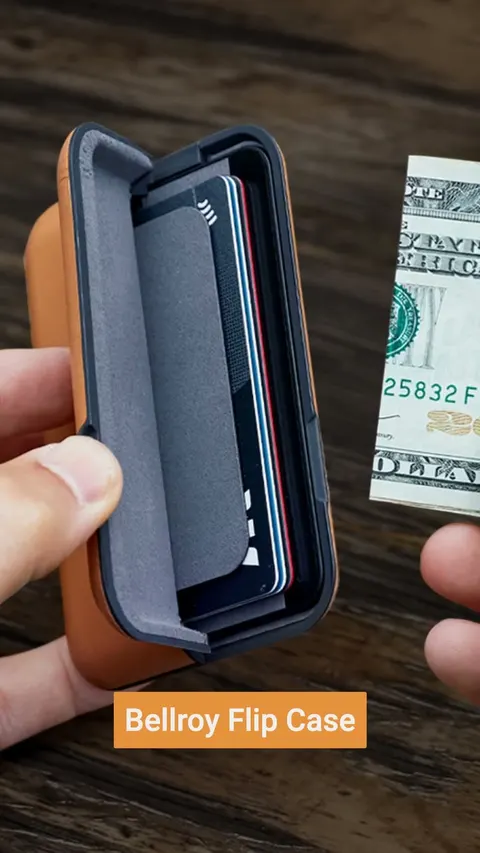
- Retained Bellroy open-bag image ID1039604464890055. Advertiser footage, branding and copy are not production assets.
- Owned production input
- Pending original photos/video of the approved real sample and permission for talent/sound. The sketch is a planning model.
- Verified product fact
- Practice geometry has 3 compartments. Any actual fit or construction claim requires checking the real sample. No capacity or travel-security claim approved.
- Required action
- Pack cable, bottle and comb. Retrieve the same cable continuously. Show the actual access mechanism.
- Review rejection rule
- Fix any changed compartments, missing access steps or claims the footage doesn’t show. Compare the output with the real sample.
- Release condition
- The product owner checks that the product is shown accurately. The creative lead reviews the explanation, the producer checks permissions and the buyer checks the destination and placement requirements. This is a plan, not a campaign result.
Gather the files and facts before making the ad
Start with product files you own or can use, the correct product version, the message, the action to show and the destination. Mark competitor ads as references. If a generated image changes a compartment, item size or opening mechanism, fix it against the real product before approving it.
Review the actual output
Check the product shape, hands, movement, labels and captions. What does the picture imply about the product? For video, watch the whole file with sound and without it. A creative score won’t confirm a claim, permission to use an asset or a conversion result.
Verify availability before committing
Check which media you can make, which files you can export, the usage limits, rights terms and billing for your plan. A headline price won’t answer all of that. Keep the approvals with the brief so the team knows what is ready to use.
Keep the visible choice beside the assignment
Watch the reference collection controls
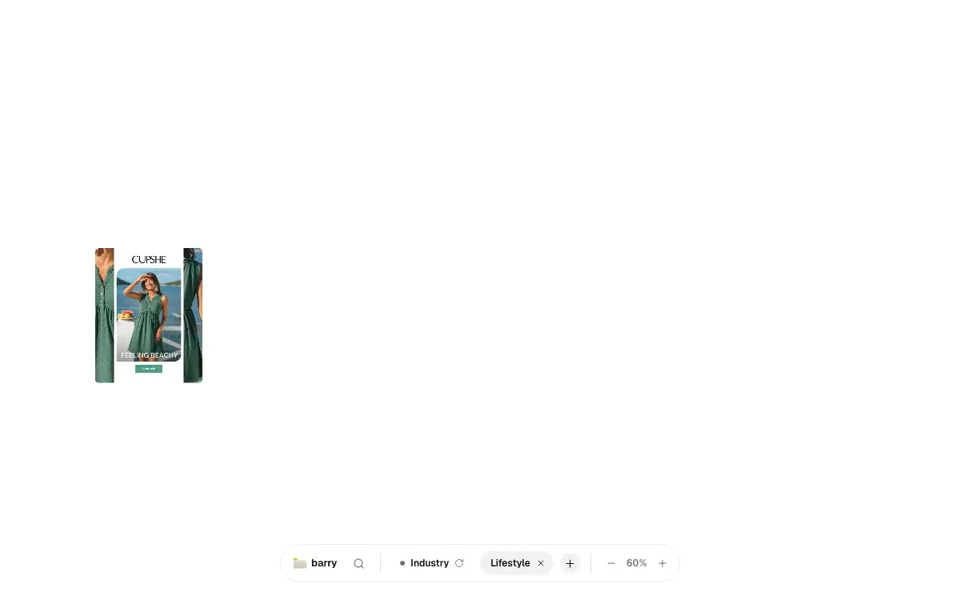
- Apply the retained Lifestyle format filter.
- Open the whole retained Cupshe image and inspect it.
- Close the viewer, hover the reference and press S to open the Save picker.
- Choose the practice board, reopen it through the finder and use Share.
- Carry the observation, limitations and next owner into the worksheet.
Take the handoff into your document
Start with the blank worksheet, or read the filled-in example to see how to use it. You can copy either one.
Questions about this workflow
Can the reference board generate an ad?
The demonstrated Barry workflow organizes references. The completed worksheet creates a production assignment. No Barry generation feature or AdCreative.ai output is represented by this example.
Is a predicted score proof an ad will convert?
A prediction is different from an observed outcome. No score accuracy or competitor conversion evidence was tested here. Use your own properly designed experiment and reporting.
Sources and review scope
We read the official pages on October 14, 2026. Product capabilities are described by their publishers. We did not test vendor accounts, generated output, pricing terms or business results.